Printing
Sell printable coloring books on Etsy
Build a US Letter or A4 coloring PDF, package a clean download, write a listing parents trust, and price a file that prints at home—no paperback required.
Kids Books Maker editorialLast reviewed 4 min read
Key takeaways
- Etsy sells the file; the buyer prints at home. Size for US Letter or A4, not a KDP trim, unless you also sell a paperback elsewhere.
- A focused pack of about 30 pages on one theme usually beats a 100-page mix of unrelated pictures.
- Listing photos should show real printed pages and the PDF on screen—buyers are buying a download, so they need to see what arrives.
- Say clearly what is included, how many pages, which paper size, and whether commercial use is allowed.
Etsy is built for digital downloads. A parent pays, gets a PDF, and prints the pages on a home printer. You never ship a box. That is a different product from an Amazon KDP paperback—even if the drawings started life in the same project.
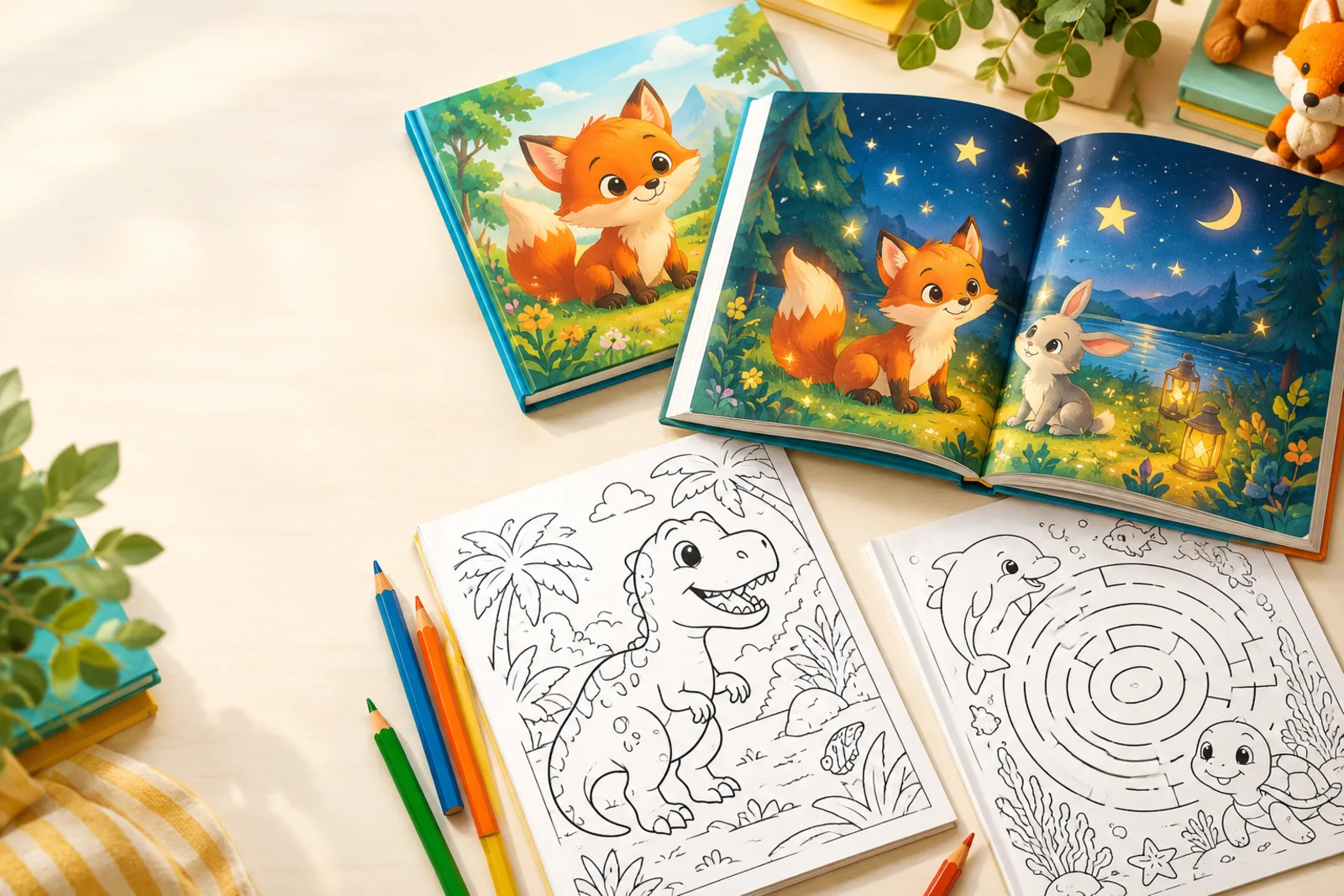
What sells as a printable
The listings that hold up tend to be narrow. One age band. One theme. A page count a child can finish. Think “30 dinosaur pages for ages 4–6” rather than “mega book of everything.”
- About 20–30 pages for a first pack. Easy to price and easy to sample-print.
- Thick outlines and large regions. Home printers and crayons are less forgiving than a press.
- A bonus page buyers notice: cover sheet, “this book belongs to,” or a simple certificate.
- Optional bundle: coloring pack + matching activity pages (maze, trace, match) as a second PDF in the same order.
Plan the pack the same way you would a paperback: write the page list first. Our 24-page planning guide still applies; you just export for home paper instead of a KDP trim.
Build the PDF for home printers
Page size
Most US buyers expect US Letter (8.5 × 11 in). Many other regions expect A4. Pick one as the default, and say so in the title and first line of the description. If you offer both, zip two PDFs and label the files clearly.
File habits that prevent refunds
- One page per PDF page. No booklet imposition unless you explain how to print it.
- High-contrast black lines on white. Gray lines disappear on cheap inkjets.
- No tiny regions. If a crayon tip cannot stay inside a shape, enlarge it.
- Flatten fonts and artwork so the file opens the same on every device.
- Test-print on the paper your buyer is likely to use—plain copy paper is fine for a check.
Kids Books Maker exports a PDF you can sell as a download after you review every page. Use home printing tips to catch scale and soak-through issues before the first sale.
List it on Etsy
Etsy’s own help covers how to list a digital download (opens in a new tab). In practice you will:
- Create a listing, mark it as a digital download, and upload the PDF (or a zip of PDFs).
- Write a title that names the theme, the format (printable PDF), and the age band.
- Open with what is in the file: page count, paper size, and that it is an instant download.
- Add photos: cover mockup, 3–5 sample pages, and at least one photo of a real printout with crayons.
- Fill tags with words buyers type: theme, “printable,” “coloring pages,” age, and “PDF.”
- Set a price that matches pack size. Underpricing a careful 30-page pack trains buyers to expect disposable art.
Etsy PDF vs Amazon KDP
Same drawings can feed both channels, but the products differ:
- Etsy: buyer prints. You size for Letter/A4. No Amazon print cost. You handle refunds and file updates.
- KDP: Amazon prints a paperback. You size for a trim with bleed and margins. Royalty is list price minus print cost. See selling a coloring book on Amazon KDP.
- Do not upload a Letter PDF to KDP and hope. Trim, bleed and cover wrap are different files.
After the first sale
- Reply to messages about printing (scale to fit, single-sided for markers).
- Fix any page a buyer flags; re-upload the file—digital listings can improve after launch.
- Add a sequel pack with the same character so your shop looks like a line, not a one-off.
- Keep a simple content note: original characters, no logos, no copied pages from other books.
A printable coloring PDF is a product parents understand in one glance. Make the pages easy to color, the listing honest, and the file the exact size you promised.
Frequently asked questions
Should I password-protect the PDF?
Usually no for kids’ coloring packs. Buyers need to open and print quickly on phones and school computers. Clear personal-use wording in the listing matters more than a password.
How many listing photos do I need?
Enough to show variety and a real print. A cover, several interior pages, and one photo of paper on a table with crayons answers the “what do I get?” question better than ten identical mockups.
Can I offer personalization?
Yes—Etsy supports personalized digital items—but every custom name or cover adds delivery work. Launch with a fixed PDF first; add personalization when you have a repeatable process.
Sources
Checked on .
Keep reading
Turn your idea into a kids book
Plan every page with your characters kept the same, check each one, and download a PDF to print.
Create your free book